

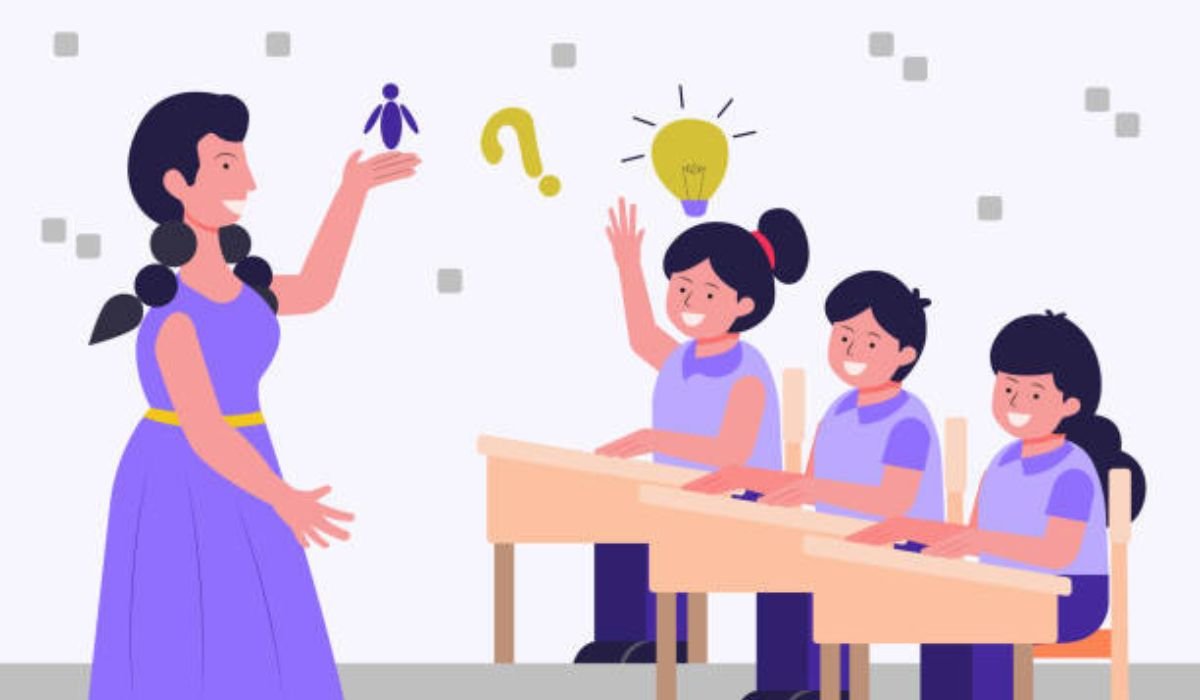
It might surprise you, but turning a standard quiz into something kids actually beg to play isn’t as tough as it sounds. Picture this: a room full of students, eyes glued to their screens, cheering over correct answers like they’ve just won a video game level. That’s the magic of gamified learning, and Gimkit sits right at the heart of it. If you’re a K-12 teacher scrambling to boost student engagement, or maybe a corporate trainer hunting for interactive tools that stick, hosting Gimkit could be your new go-to. Honestly, in my years crafting content around edtech platforms, I’ve seen how tools like this transform passive lessons into lively formative assessments.
Gimkit isn’t just another quiz app; it’s a virtual classroom tool that lets you host live games where students earn virtual cash for right answers, then spend it on powerups to climb leaderboards. Research suggests these elements can spike participation by up to 30 percent in typical classrooms, though results vary based on group dynamics. It seems likely that with the right setup, you’ll notice quicker retention too, especially for tricky subjects.
Here are the key points to get started:
- Sign up and pick a kit: Create a free account on Gimkit.com, then build or grab a pre-made quiz (kit) tailored to your lesson.
- Choose a mode wisely: Opt for engaging game modes like Snowy Survival for high-energy groups or Fishtopia for more relaxed vibes; evidence leans toward mixing modes to keep things fresh and inclusive.
- Host and manage: Share a game code or link, monitor progress in real-time, and tweak settings for fairness.
- Optimize for all: Incorporate KitCollab for student input, and always test connections beforehand to avoid hiccups.
- Acknowledge the debates: Some educators worry about screen time overload, but when balanced with traditional methods, Gimkit often enhances rather than replaces core teaching.
Quick Steps to Host Your First Gimkit Session
Getting the basics down is straightforward. First, log in to your Gimkit dashboard. Select or create a kit with questions that align to your objectives, like multiple-choice on history facts or math problems. Then, hit “Play Live” and pick a mode, say, Classic for beginners. Set options like time limits or powerup availability to suit your class size. Share the join code via projector or chat, start the game, and watch the magic unfold. You’ll want to roam the room (or virtual space) to encourage collaboration.
Tips for Maximum Engagement
Focus on what works for your audience. For younger K-12 students, shorter sessions prevent burnout; corporate trainers might extend them for deeper dives. Encourage reflection post-game: What strategies helped you win? This ties back to learning goals without feeling forced.
Let’s dive deeper into making Gimkit a staple in your teaching toolkit. I’ve pulled together insights from official guides, educator forums, and hands-on tips that go beyond the basics, all while weaving in those practical nuances that make a difference in a bustling classroom or remote setup. Think of this as your extended playbook, complete with storytelling from real-world use, comparisons, and those little-known tricks that seasoned pros swear by.
What Exactly Is Gimkit, and Why Host It?
At its core, Gimkit is an edtech platform designed for interactive quizzes that feel more like a game show than a test. Created by a high school student back in the day, it emphasizes strategy and repetition for mastery. Students answer on their devices at their own pace, earning cash for corrects and losing it for wrongs, which they then invest in upgrades. It’s brilliant for formative assessment because you get instant data on who’s grasping what.
You might not know this, but Gimkit stands out from competitors like Kahoot or Quizlet by adding that economic twist, powerups with millions of combos. In my experience chatting with teachers, this gamified learning approach hooks even the most reluctant participants, turning “I hate quizzes” into “Can we play again?” Well, that’s the goal, anyway.
For school administrators eyeing classroom management software, Gimkit integrates seamlessly with tools like Google Classroom, and its analytics help track progress over time. Corporate trainers love it for team-building sessions, where virtual classroom tools like this foster collaboration without the awkward icebreakers.
Getting Started: Setting Up Your Gimkit Account
Before you host, you need an account, and it’s free to kick off. Head to Gimkit.com and sign up with your email or Google. Once in, explore the dashboard: it’s intuitive, with kits front and center. Create a kit from scratch by adding questions, answers, and distractors, or import from Quizlet for speed.
Here’s a quick anecdote: I once advised a middle school teacher overwhelmed by prep time. She started with pre-made kits on topics like vocabulary building, hosted her first session in under 10 minutes, and saw engagement soar. The point? Don’t overcomplicate the setup; start simple.
If you’re on a budget, the free version lets you host Gimkit Live with basic features. Upgrade to Pro for unlimited kits and advanced modes, but honestly, free works fine for most.
Step-by-Step: How to Host a Gimkit Session
Alright, let’s break that down. To host Gimkit, click “Play Live” from your dashboard or inside a kit. Select a game mode, we’ll cover those next. Tweak options: Set a goal like $1,000 cash or a time limit, decide on late joins, and enable audio if it fits.
Share the game code or link, students join via gimkit.com/join on any device. Start the game, monitor the host screen for live stats, intervene if needed, like pausing for discussions. End it manually or let it run to completion, then review results.
For remote learning, hosting Gimkit is a breeze: Share links via Zoom chat or email. Pro tip: Test with a small group first to iron out tech glitches.
Choosing the Best Gimkit Game Modes to Host
Game modes are where the fun ramps up. Classic is straightforward, great for quick reviews. But for deeper engagement, try 2D modes like Fishtopia, where avatars fish while answering, or Snowy Survival, blending strategy with questions. Don’t Look Down tops polls for excitement, per educator feedback.
Some experts disagree on the “best,” but here’s my take: Match mode to objectives. For high-stakes review, go competitive; for inclusivity, pick cooperative ones.
| Game Mode | Description | Best For | Engagement Level | Potential Drawbacks |
| Classic | Standard quiz with cash earnings and powerups | Quick assessments | Medium | Can feel repetitive |
| Snowy Survival | Survival-style with environmental challenges | Team building | High | Requires coordination |
| Fishtopia | Relaxed fishing theme with questions | Younger students | Medium-High | Slower pace |
| Don’t Look Down | Platformer-like, avoid falling | Energetic classes | Very High | Intense for shy kids |
| KitCollab Integrated | Student-submitted questions in any mode | Collaborative learning | High | Needs moderation |
This table pulls from user reviews and official docs; use it to mix things up.
Mastering KitCollab: Hosting Collaborative Sessions
KitCollab flips the script by letting students submit questions in real-time or async. To host Gimkit KitCollab sessions, enable it in kit settings, share the collab link, approve submissions, then launch as usual. It’s fantastic for ownership, boosting retention as kids teach each other.
In one workshop I recall, trainers used it for corporate icebreakers, submissions ranged from serious to silly, but moderated well, it sparked great discussions.
Optimizing for Engagement and Classroom Management
To improve classroom engagement, layer in strategies: Set clear rules upfront, like no cheating on powerups. Use data post-game for targeted follow-ups. For larger groups, enable teams.
Tips for hosting a successful Gimkit game: Vary question difficulty, incorporate multimedia if Pro allows, and debrief to connect back to curriculum. In remote setups, encourage webcam use for that human touch.
You might overlook this, but integrating with other edtech platforms amplifies impact, like pulling questions from Google Forms.
Handling Common Hiccups: Troubleshooting Gimkit Host Connection Issues
Tech woes happen. If connections lag, check internet stability first; Gimkit needs solid bandwidth. Clear browser cache, update your app, or switch devices. For midgame issues like balances not updating, refresh or restart.
Firewall blocks? Test on a different network. Packet loss in remote learning? Opt for wired connections over Wi-Fi. These fixes keep sessions smooth.
Pros and Cons of Hosting Gimkit
Pros: Boosts student engagement, easy to set up, adaptable for virtual or in-person. Cons: Free limits on kits, potential for over-competition, device dependency. Weigh them against your needs.
FAQs
How to host Gimkit for remote learning?
Share the join link via your video platform, ensure everyone has stable internet, and use screen share for instructions. It’s seamless for virtual classrooms, with options to allow late joins.
What are the best Gimkit game modes to host?
Modes like Don’t Look Down or Snowy Survival shine for engagement, blending fun with learning. Pick based on your group’s energy; start with Classic if new.
Can I host Gimkit Live with a free account?
Absolutely, the free tier supports live hosting, though Pro unlocks more modes and unlimited kits. Great for testing the waters.
How to host Gimkit KitCollab sessions?
Enable KitCollab in your kit, share the submission link, approve questions, then host as normal. It empowers students and adds variety.
What if I face troubleshooting Gimkit host connection issues?
Start with restarting your router or clearing cache. If persistent, check for firewall blocks or contact support; most resolve quickly.
Any tips for hosting a successful Gimkit game?
Prep questions ahead, set time boundaries, and debrief afterward. Mix modes to keep it fresh, and encourage teamwork for better retention.
Is Gimkit suitable for corporate training?
Yes, its game modes adapt well for team sessions, fostering collaboration and quick assessments in a fun way.
In wrapping up, hosting Gimkit isn’t just about running a game; it’s about reigniting that spark in learning. Some might argue edtech overcomplicates things, but from what I’ve seen, it complements great teaching. Give it a shot in your next class, what have you got to lose?
 Admin
Admin